![UrbanSDK_primary_logo_horizontal_white.png]](https://urbansdk-9267502.hs-sites.com/hs-fs/hubfs/UrbanSDK_primary_logo_horizontal_white.png?height=40&name=UrbanSDK_primary_logo_horizontal_white.png)
1.0 Introduction
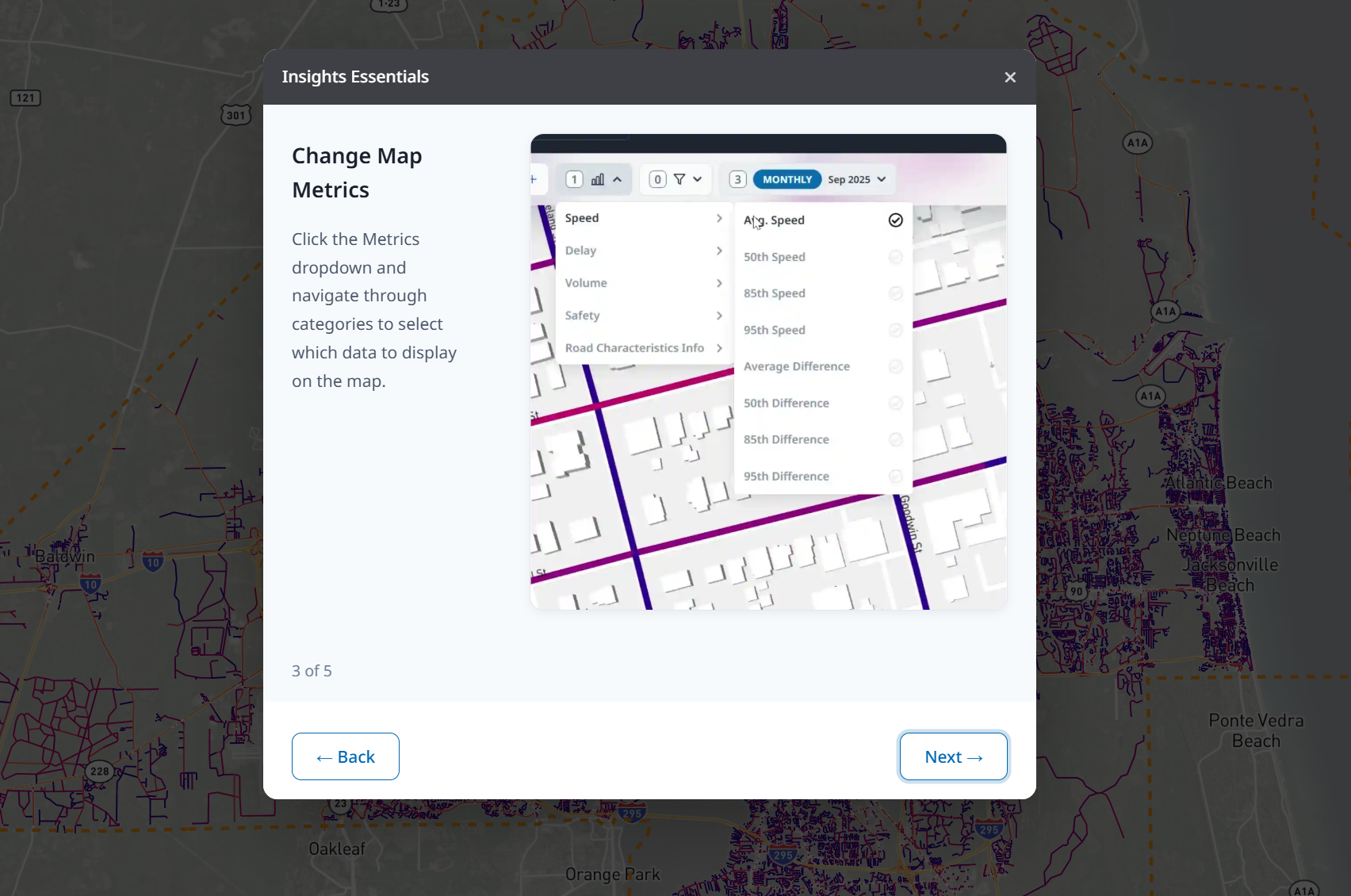
Insights has in-app tutorials that offer quick refreshers on platform functionality to help you get acquainted with all the capabilities the solution has to offer
2.0 Access In-App Tutorials
Follow these steps to access the in-app Insights tutorials:
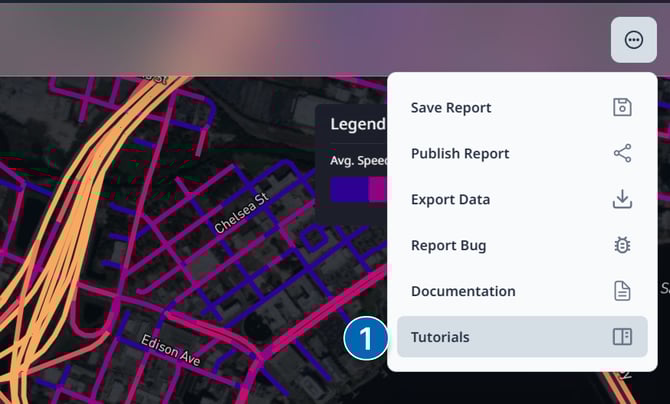
1. Open Tutorial Pop-up:
- Click the Report Options button on the right of the top Action Bar
- Select Tutorials
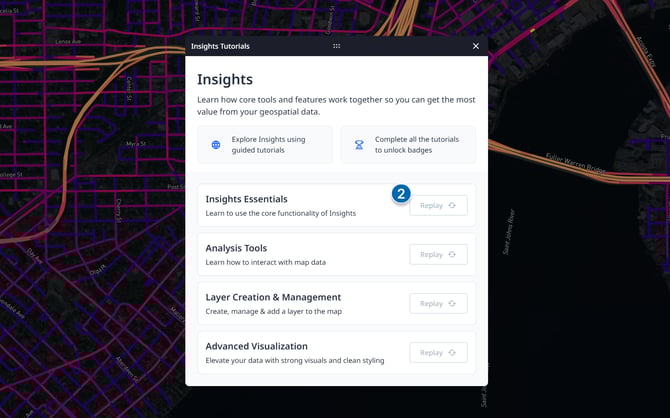
2. Choose Tutorial to play:
- Review the available tutorials
- Tutorials that are already completed will offer the ability to replay them if you would like a refresher
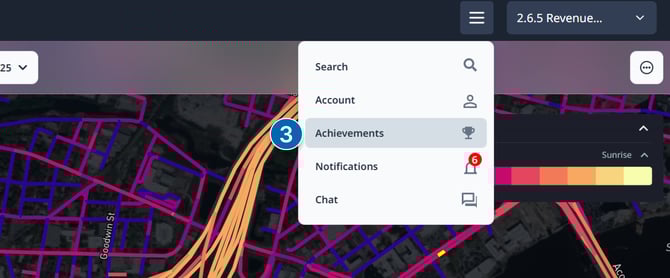
3. Access Achievements Page:
- You receive achievements for completing tutorials and other challenges on the platform
- The achievements page can be access via the account options at the top of your screen.